๐Ÿ‡บ๐Ÿ‡ธ Showing prices for Japan โ€“ Switch to United States?
Back to list
Logic Art-Nonogram Puzzle Game

๐Ÿ‡ฏ๐Ÿ‡ต Logic Art-Nonogram Puzzle Game

Free
In-App Purchases
Release Date 29/07/2019
Developer FURYU Corporation
Genre Entertainment
Rating 4.5 โ˜… (63,955)
Updated 26/07/2026 07:03

Game Photos

Description

Detailed information and price analysis for Logic Art-Nonogram Puzzle Game. Find out if it's the best time to buy or if it's better to wait for a deeper discount.

We've never seen anything like the fun puzzle game called Logic Art with free to play!
It is the right way of killing time and play a short time.
Also, If you need to relax or want to be a refresh, Logic Art would help you to change your mind.
Let's play a simple nonogram puzzle, Logic Art.
โˆ’ How to play Logic Art
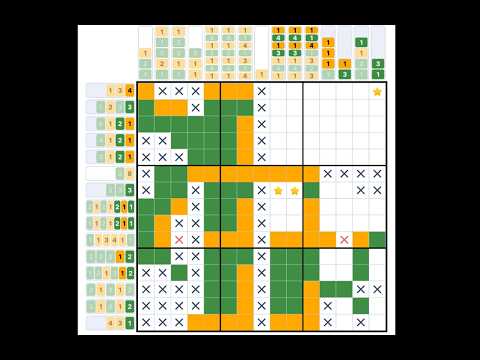
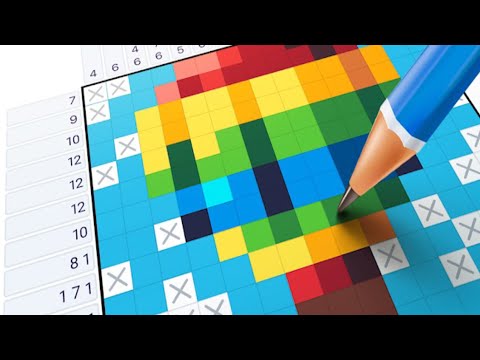
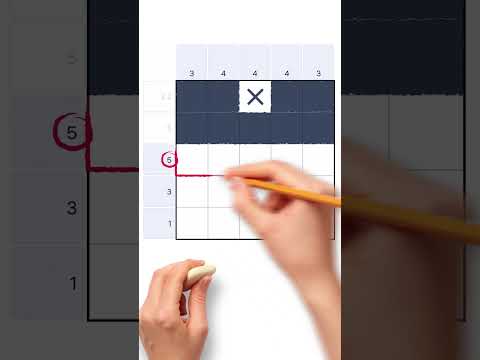
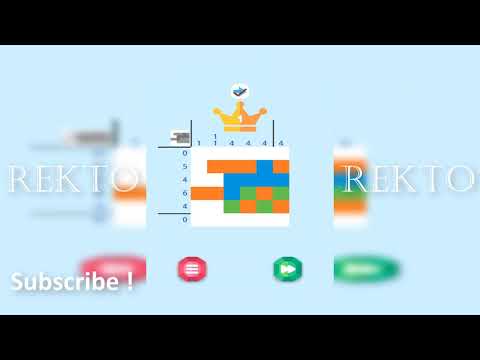
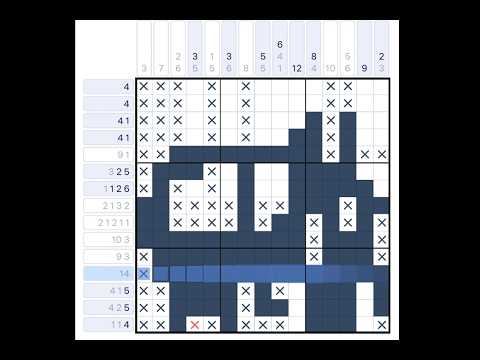
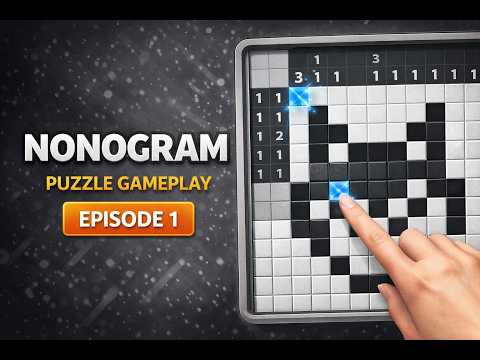
The game's goal is to complete a puzzle with numbers of left and above parts, which are tips for solving it.
The numbers show how many squares are filled out, and if the numbers are over two, they must have one blank square between each number.
It has four different difficulty levels
Level one is the easiest level that everyone can solve all stages without any tips. On the other hand, level four has the most difficult stages.
If you are stuck in a stage, no hesitate to use the hint button. Also, you can use the hint repeatedly.
Although you don't complete a stage when you have to stop the game, you can directly close the game because it has an automatic save function. Don't worry about the lose your game data.
โˆ’ About Special Stage
The special stage is a challenging mode that you have to solve 25 quizzes to complete one artwork.
It has different sizes' puzzles such as 25ร—25 for beginner, 100ร—100 for master, etc.
We are recommending you to start from the 25ร—25 stage firstly.
โˆ’ About Daily Stage
The Daily stage is updating a new stage every day.
You could also get a reward medal in the game if you complete it full of a month.
You can play any past stages whenever you want.
โˆ’ Logic Art's functions
โ– Pen button
Using for filling out blank squares you can paint multi squares if you keep pushing and moving the button on your display. Also, you don't need to remember how many squares you would fill out already. The left side of the column would show the numbers of served areas.
(ร— button has also the same function)
Please careful that if you put your marking in a wrong place, your energy power would be less.
โ– ร— button
Using for marking as unnecessary squares
If you know a square that is obviously blank, you should put X mark on it.
โ– Reset button
Using for delete a stage data
If you want to restart and delete the stage data, you should push with the button. Never give up !
โ– Bulb button
Using for seeing a hint
If you tap the bulb button, somewhere's the answer would be appeared soon.
You can use the button only three times per day, however, if you watch advertising, you can use hints continuously.
โ– Heart button
If you mark in the wrong place, your energy power would be less.
The button would appear in the auto check mode on only.
โ– Backward, forward button
You can move forward and backward.
The button would appear in the auto check mode off only.
โ– About game mode
You can choose the mode such as auto-check and map color from the setting.
โ– Auto-check
If you turn the auto-check mode on, you can easily notice where is the wrong choice square. It also is for beginners.
However, if you mark in the wrong place, your energy power would be less.
In addition, even though your energy power becomes zero, you can keep playing the game by watching advertising.
You can change your setting whenever you want from the setting button.
โ– Coloring
If you turn the coloring mode on, you can see all squares by finalized painted color. Usually, it would be all pink in color if you choose the auto-check off mode.
You can enjoy guessing what is an artwork's theme
If you want to turn it on the mode, you can set it up from the setting button.
โ– Auto save
You can stop the game whenever you want because the game has an auto-save function.
However, if you uninstall the app itself, the game's data would be deleted together.
โ– BGM
You can change a back ground music setting from the setting button.
โ– Free to play
โ– Smooth effect, and making refresh feeling with the game

Price Variation (last year)

Price History

Date Price
26/07/2026 10:03 Free
25/07/2026 10:00 Free
24/07/2026 10:00 Free
23/07/2026 10:04 Free
22/07/2026 10:09 Free
21/07/2026 09:11 Free
20/07/2026 10:09 Free
19/07/2026 10:06 Free
18/07/2026 10:09 Free
17/07/2026 10:09 Free
16/07/2026 10:04 Free
15/07/2026 10:01 Free
14/07/2026 10:03 Free
13/07/2026 10:10 Free
12/07/2026 10:07 Free
11/07/2026 10:12 Free
10/07/2026 10:07 Free
09/07/2026 10:06 Free
08/07/2026 09:12 Free

Gameplay Videos

More from Entertainment genre

More from FURYU Corporation

Comments

Review / Comment

0 / 500

No comments for this game yet.